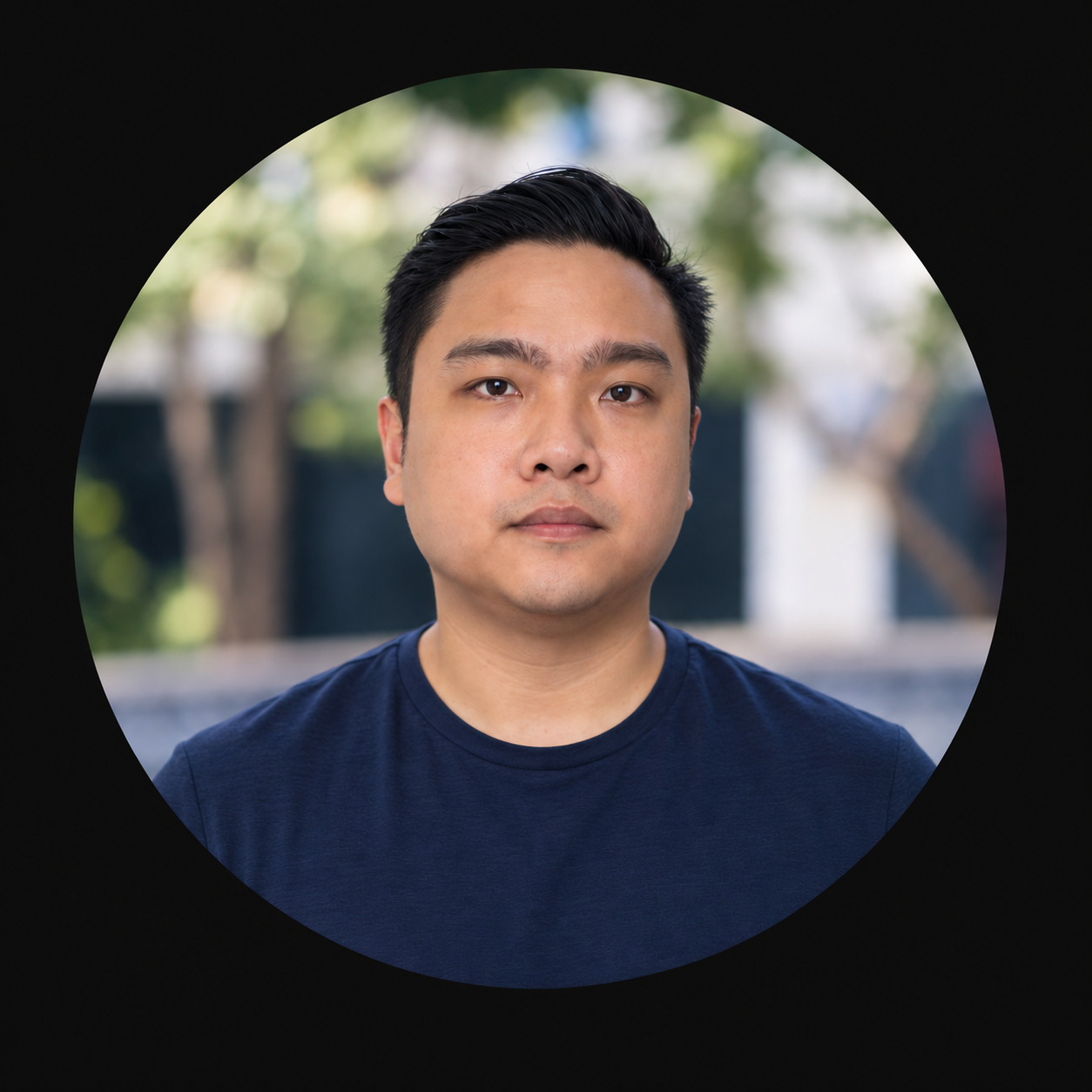
I wrote the free guide. Now I’ll set it up with you.
On your Mac or Windows computer, over a screen share, with the AI plan you already have: Claude, ChatGPT or Gemini. Then we edit your first video together.
— Ralph B.
- QA engineer at an NYSE-listed fintech
- Works with Claude, ChatGPT or Gemini
- You stay in control of your computer
Most people get stuck at the install, not the editing.
My free guide gets you there with two prompts. But installs fail in ways a guide can’t predict: a missing tool on Windows, an admin prompt, an AI plan the guide doesn’t cover.
A few weeks ago, a freelancer messaged me with exactly that: a Windows computer and only a Gemini plan. We set it up together over a screen share, through Google Antigravity. He asked me to record the call so others could see how it went.
Before AI, I was a QA engineer at an NYSE-listed fintech company and tested more than 100 app releases. Checking that things actually work is the part I’m best at.
— Ralph
What you get.
Check your computer.
Mac or Windows. We confirm space, permissions and your AI plan before installing anything.
Install the editor.
Herk Edit Kit and its tools, set up with the AI assistant you already pay for.
Edit your first video.
Bring a short recording. We take it from raw footage to an exported edit, on your computer.
Keep the notes.
A written handover with your folder location, tools and the prompts to use next time.
Get a follow-up.
One troubleshooting exchange within seven days if something stops working.
Works with the plan you already pay for.
The free guide covers Claude and ChatGPT. On a call, I can also set it up with Gemini.
- Claude Pro or higher.
- Runs in the Code tab of the Claude desktop app.
- ChatGPT Plus or higher.
- Runs in the Codex app.
- Google AI Pro (Gemini).
- Runs through Google Antigravity. I’ve set it up this way on a Windows computer.Not in the free guide
You pay when it works.
Message me.
Send me a Facebook message with your computer, your AI plan and what you want to edit. We’ll pick a time.
Share your screen.
We meet on a video call. I walk you through each step and fix what gets stuck.
Pay when it works.
Once your editor runs and your first edit exports, you pay by GCash or PayPal.
If we can’t get it running on the call, you don’t pay.
Message me on FacebookQuestions.
What do I need before the call?
A Mac or Windows computer with about 10 GB free, the AI plan you already pay for, and a short recording of your own to edit.
What if it doesn’t work on my computer?
Then you don’t pay. You only pay once the editor runs and your first edit exports.
Is it safe to share my screen?
You stay in control. You type your own passwords and approve every install. I never ask for your login details.
How much is it, and how do I pay?
₱1,490 in the Philippines or $39 elsewhere, after the call, by GCash or PayPal. AI subscriptions and optional tool costs are separate.
What isn’t included?
Ongoing video editing, AI subscriptions and usage charges, and paid third-party services.
Can I set it up myself instead?
Yes. The free guide has both prompts and stays free. Book a call if you’d rather not do it alone.
Your first AI edit is one call away.
₱1,490, or $39 outside the Philippines. Due today: ₱0.
Or email [email protected]
₱1,490 · pay after it works
Message me